iPhone · iPad · Mac
Your events. Your to-dos. One calm, beautiful space — across your devices, with bilingual days on iPhone and iPad.
Free and Paid plans • Cancel at any time
✅
To-dos linked to events
💬
Bilingual event display
THEME
Purple
01
Every view you need, nothing extra
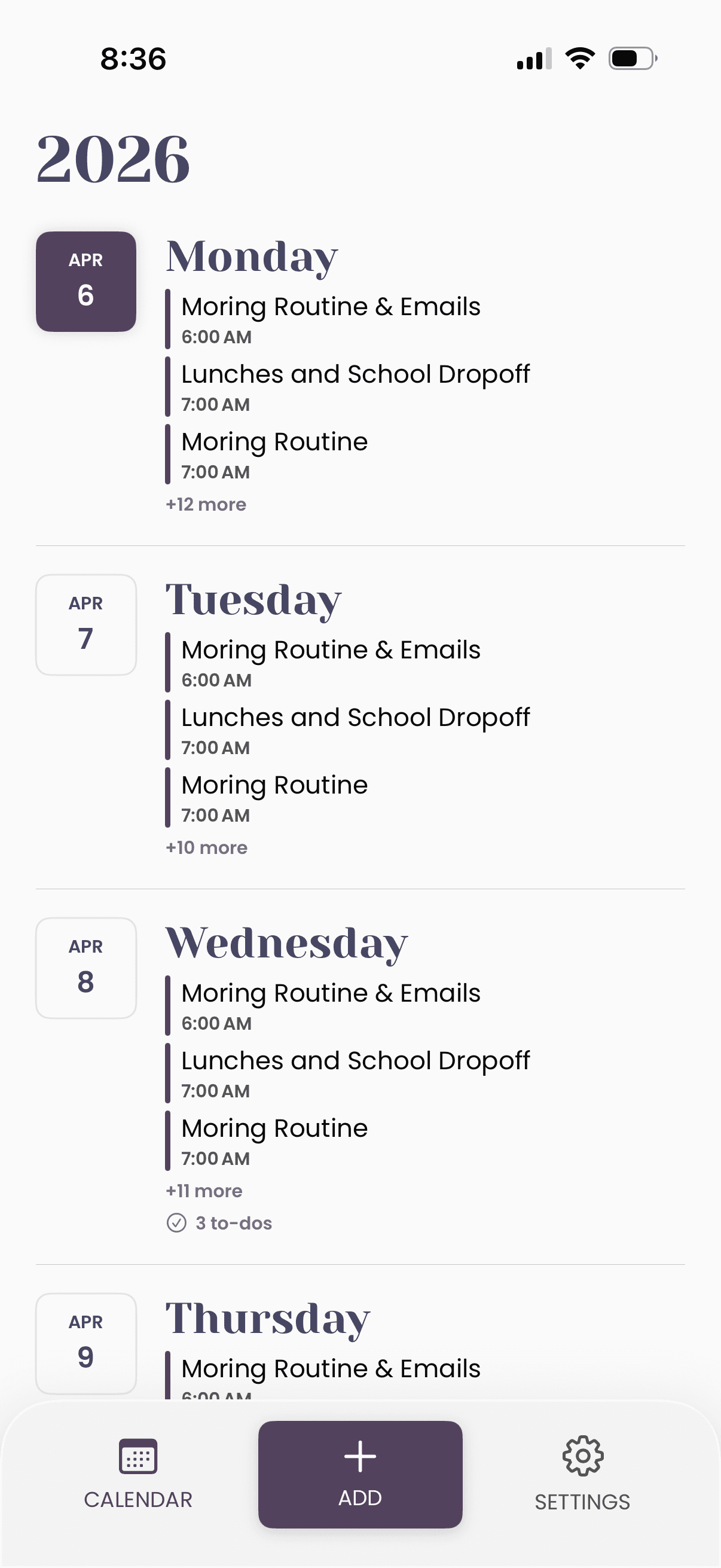
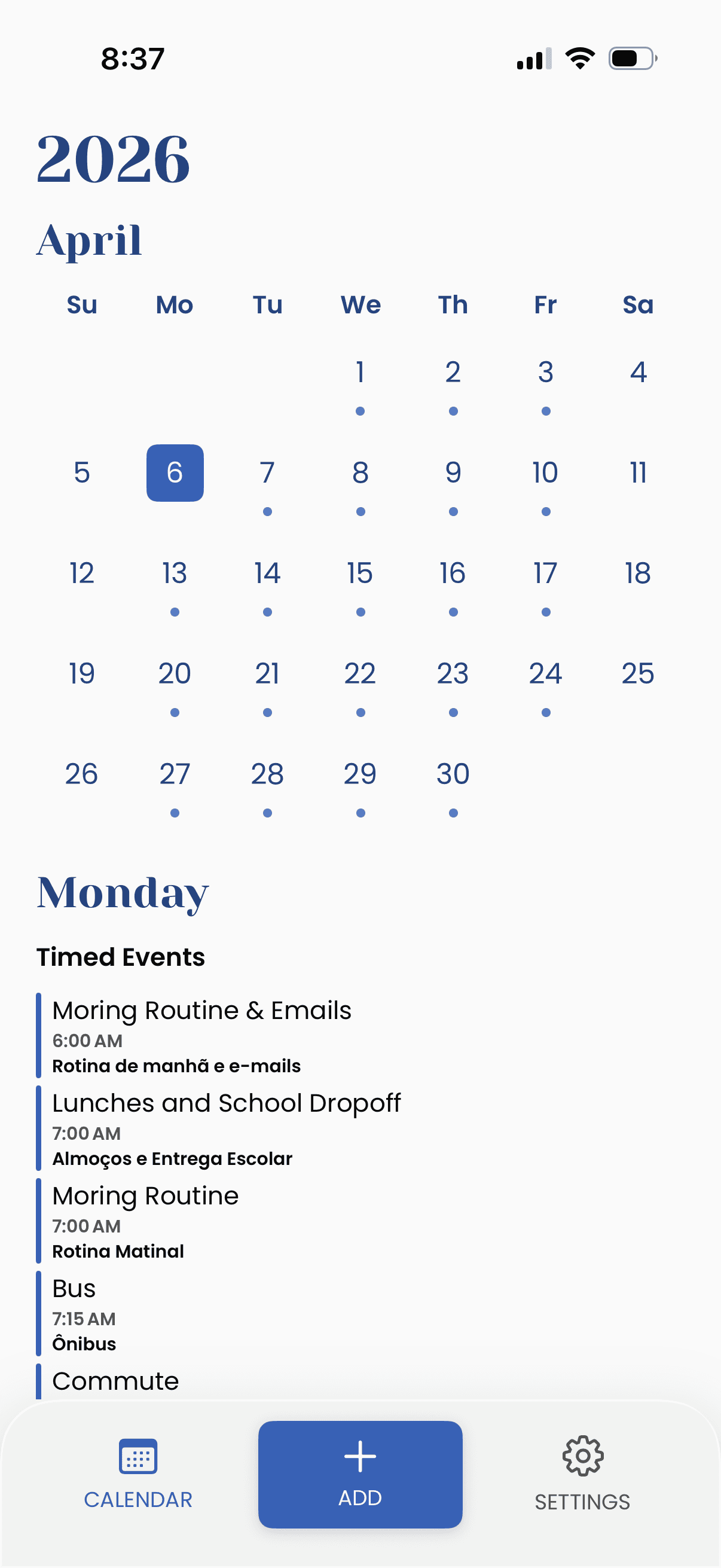
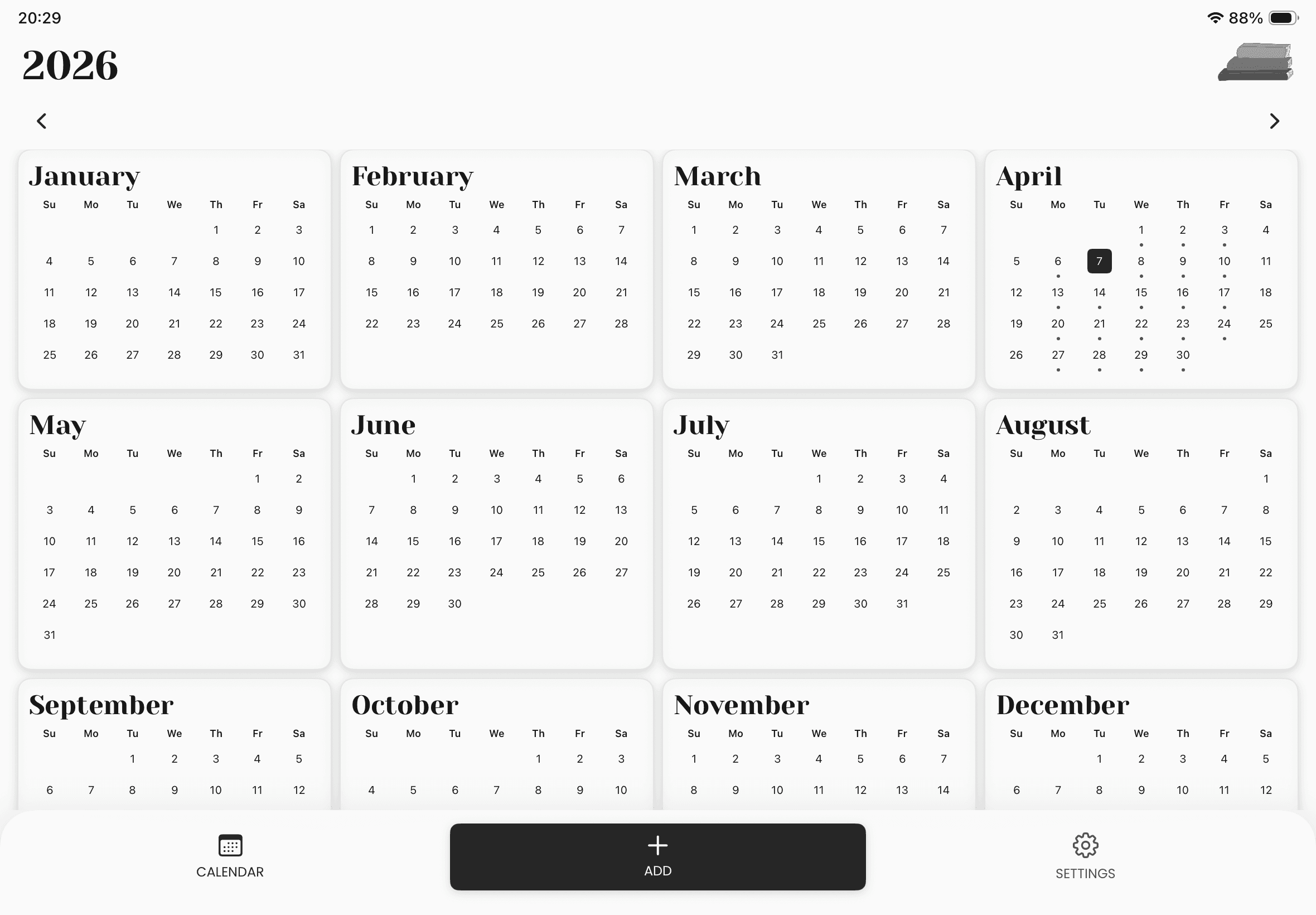
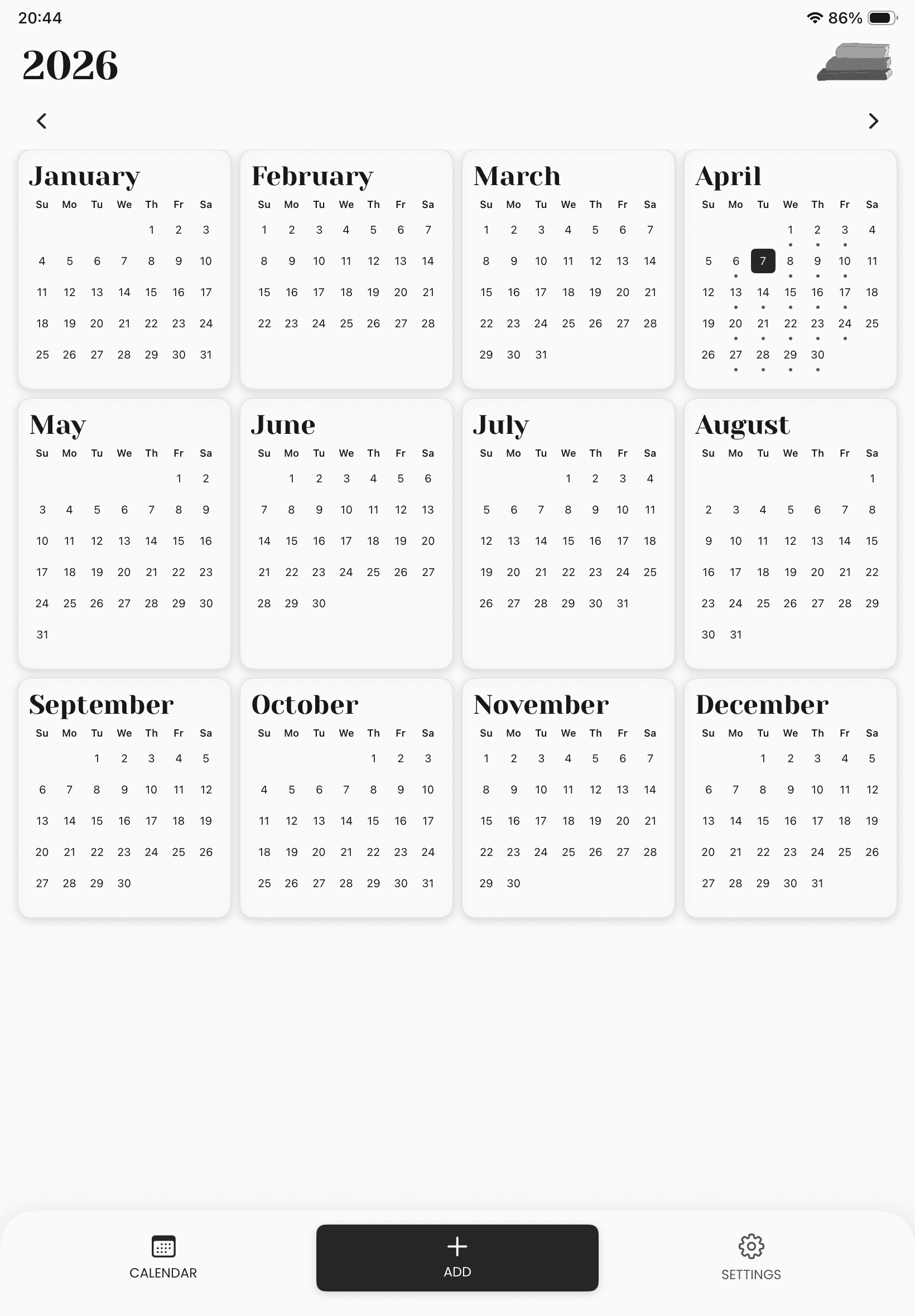
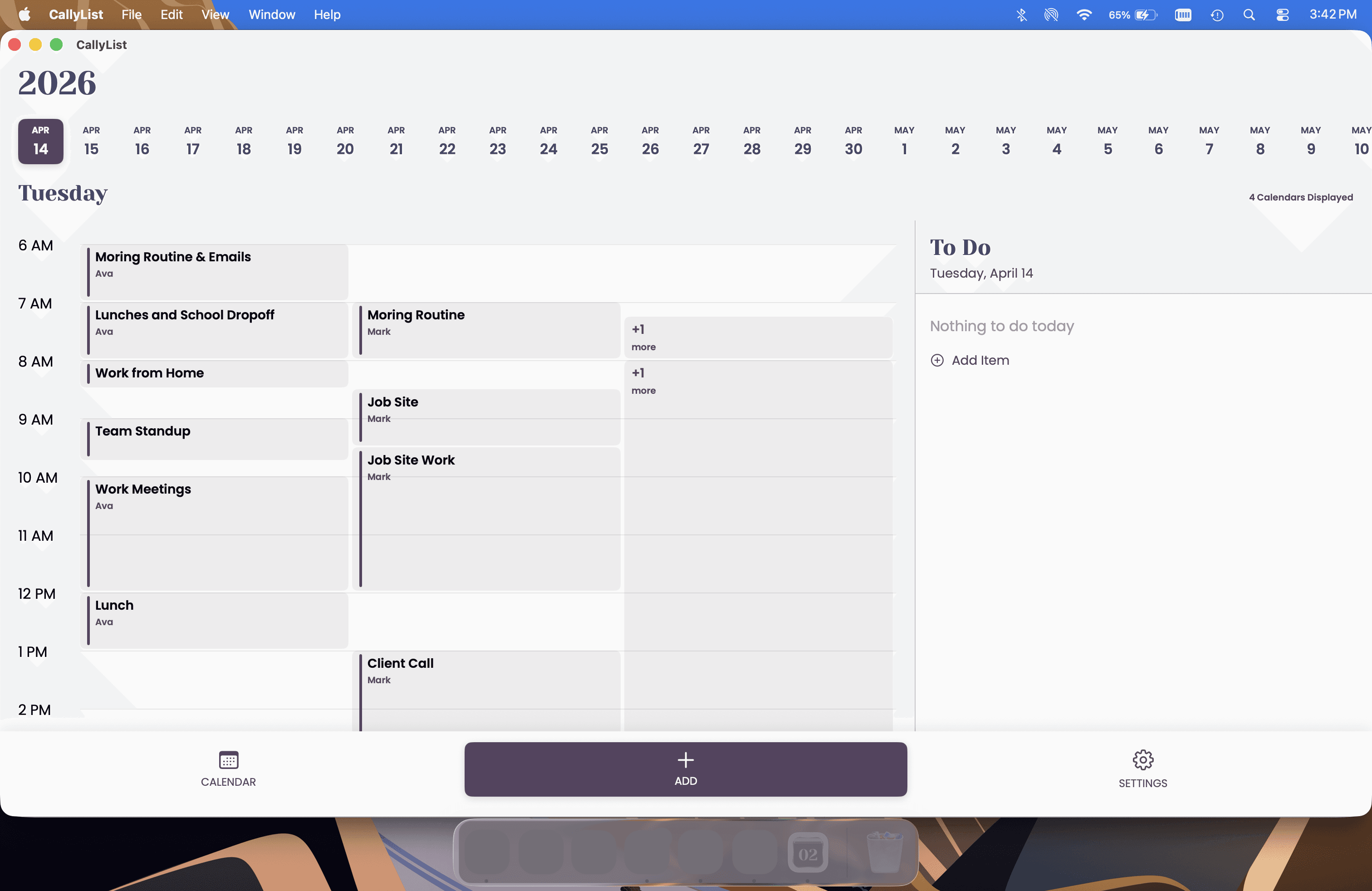
Switch effortlessly between Daily, Weekly, Monthly, and Yearly views. Whether you're planning today or scanning the whole year, CallyList gives you the right lens for every moment.
Daily
Weekly
Monthly
Yearly
02
To-dos that live where your events do
Your tasks aren't separate from your calendar — they're part of it. Create to-do lists and link them directly to events so everything you need is in context, right when you need it.
To-Do Lists
Linked to Events
03
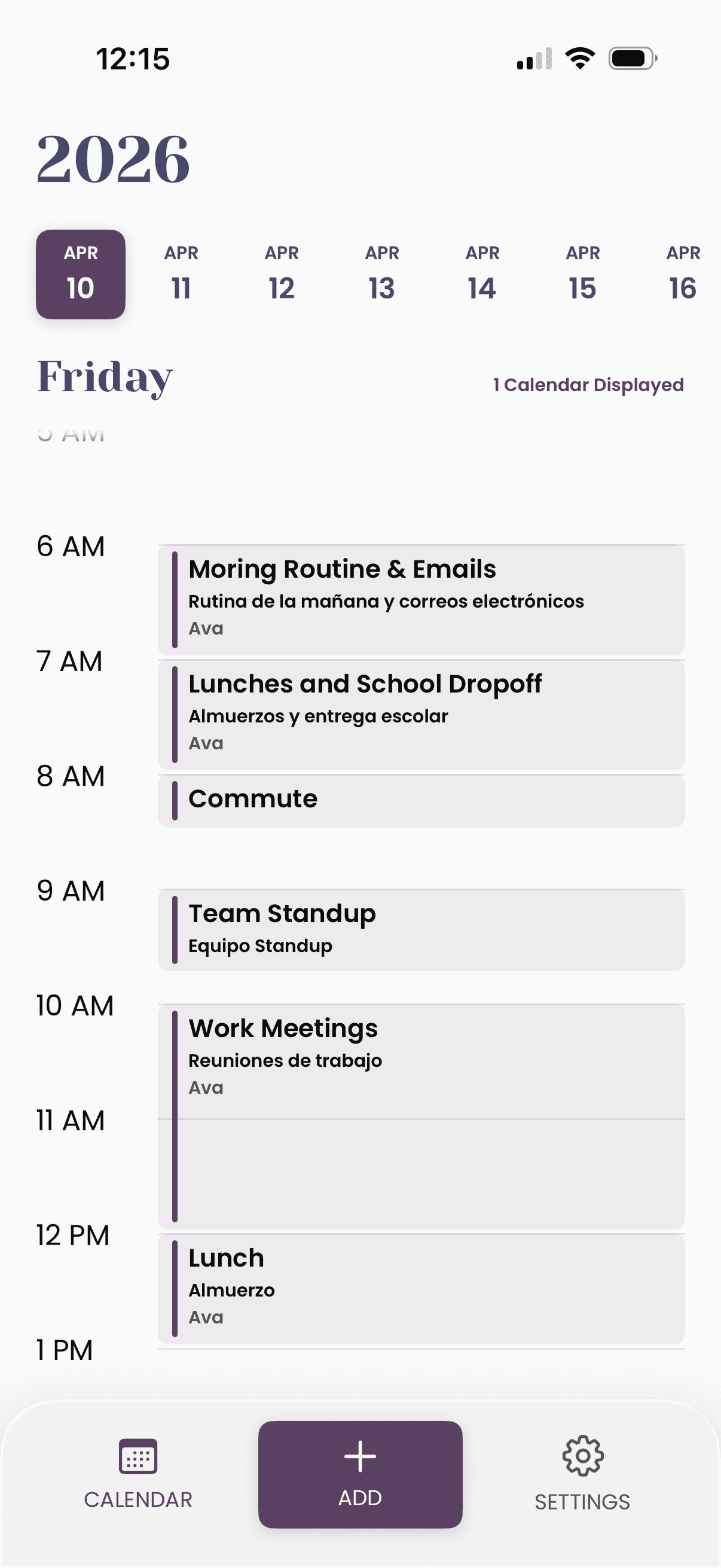
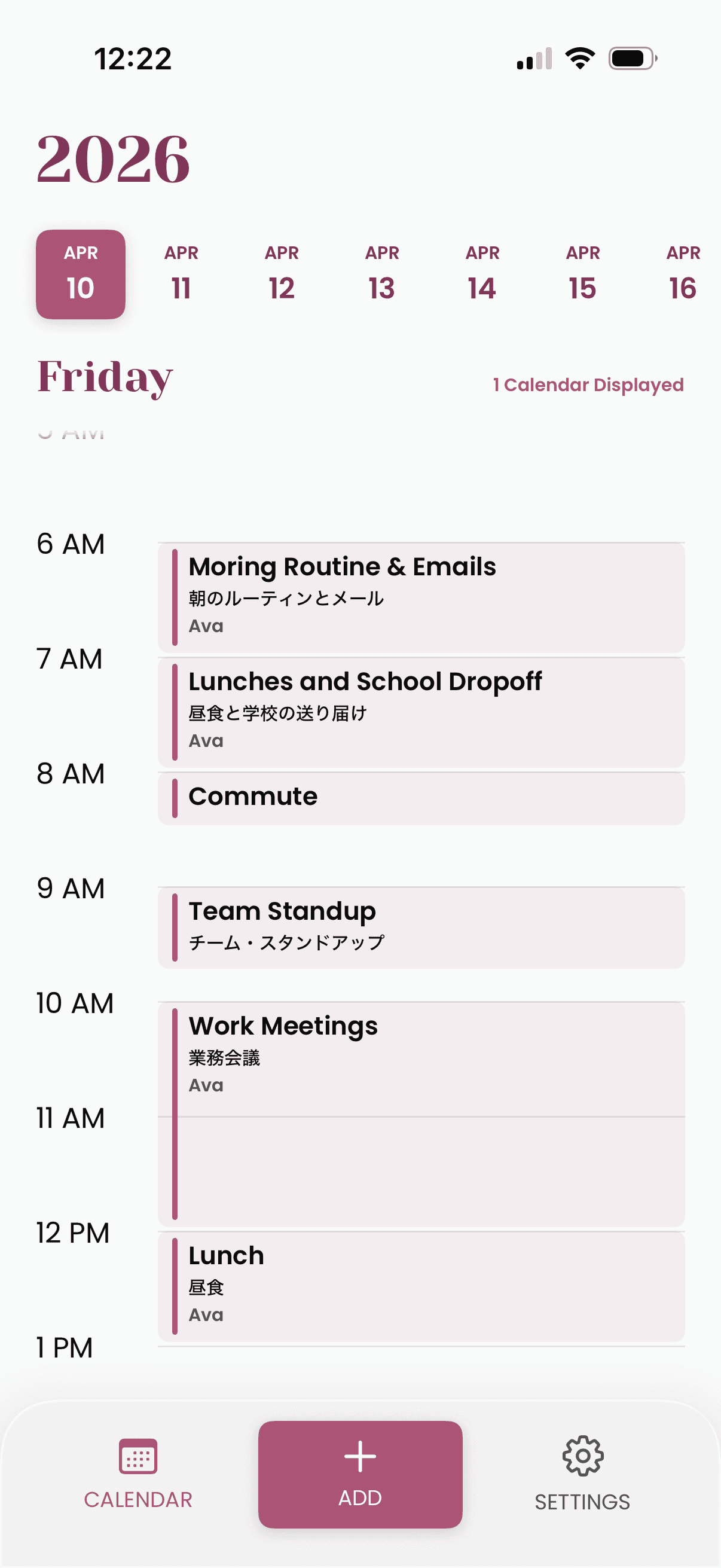
Your schedule, in both your languages
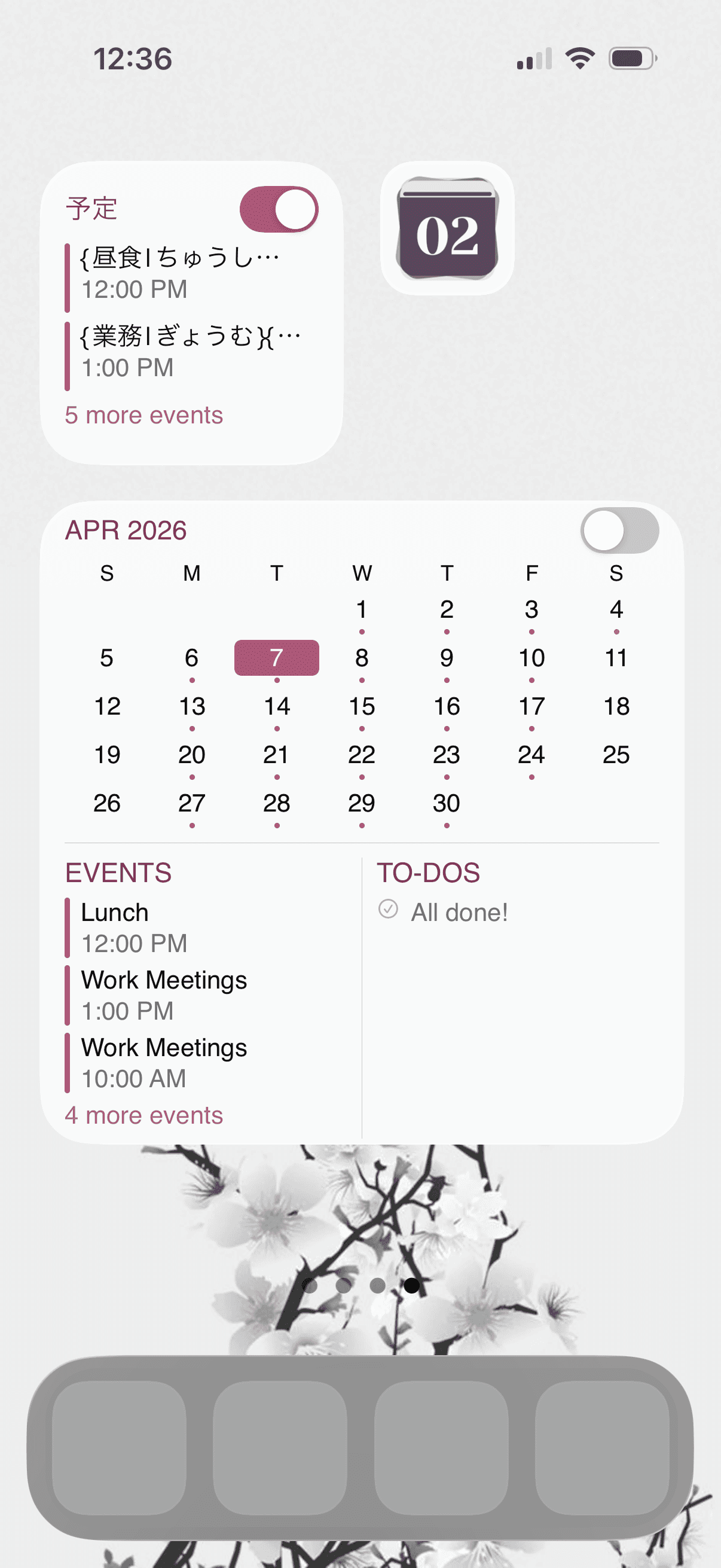
Whether you’re learning a new language, living between two cultures, or simply like seeing your day in both — CallyList keeps your schedule side by side in two languages on iPhone and iPad. Add the bilingual widget for an at-a-glance view that keeps both languages close, all day long.
Bilingual display
Bilingual widgets
04
All your calendars, finally together
Connect your existing Apple and Google Calendars and keep everything in sync. On Plus, search for public calendars right inside the app and link them instantly — sports schedules, public holidays, local events and more, no copying links required.
Apple Calendar
Google Calendar
Connected Calendars
Search Public Calendars
05
Quietly doing the heavy lifting
Your schedule can speak two languages without sending your calendar somewhere else. On iPhone and iPad, Apple Translate keeps the work on your device. Public calendar search is separate — it uses only the words you type to help find sports schedules, public holidays, and local events. Quiet, helpful, and out of your way.
Bilingual translation
Public calendar search
PRICING
Simple, honest pricing
